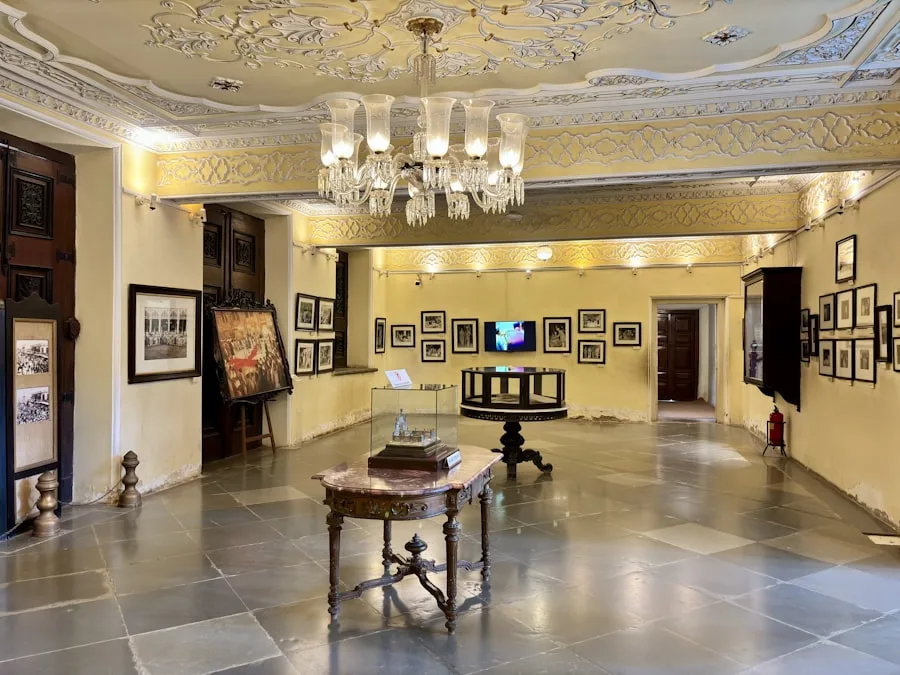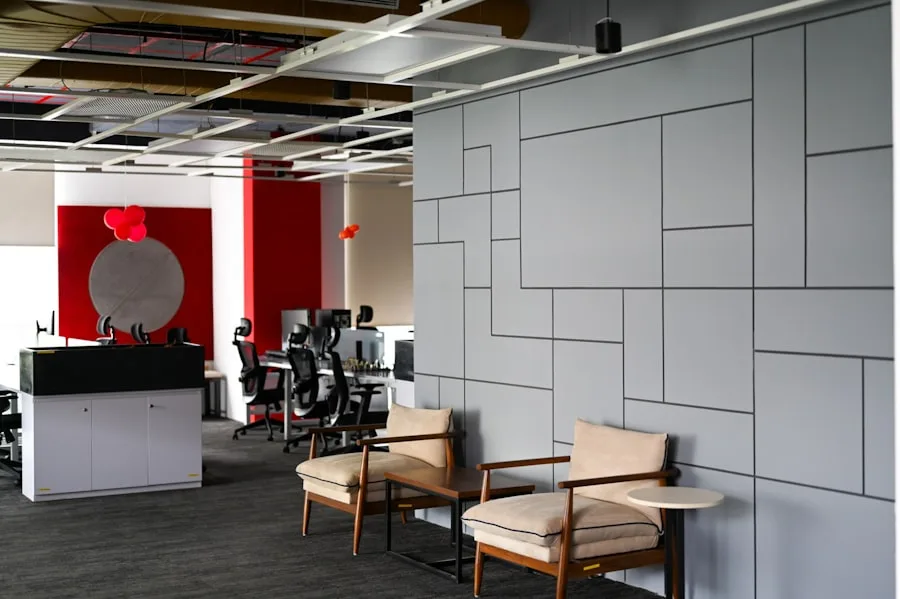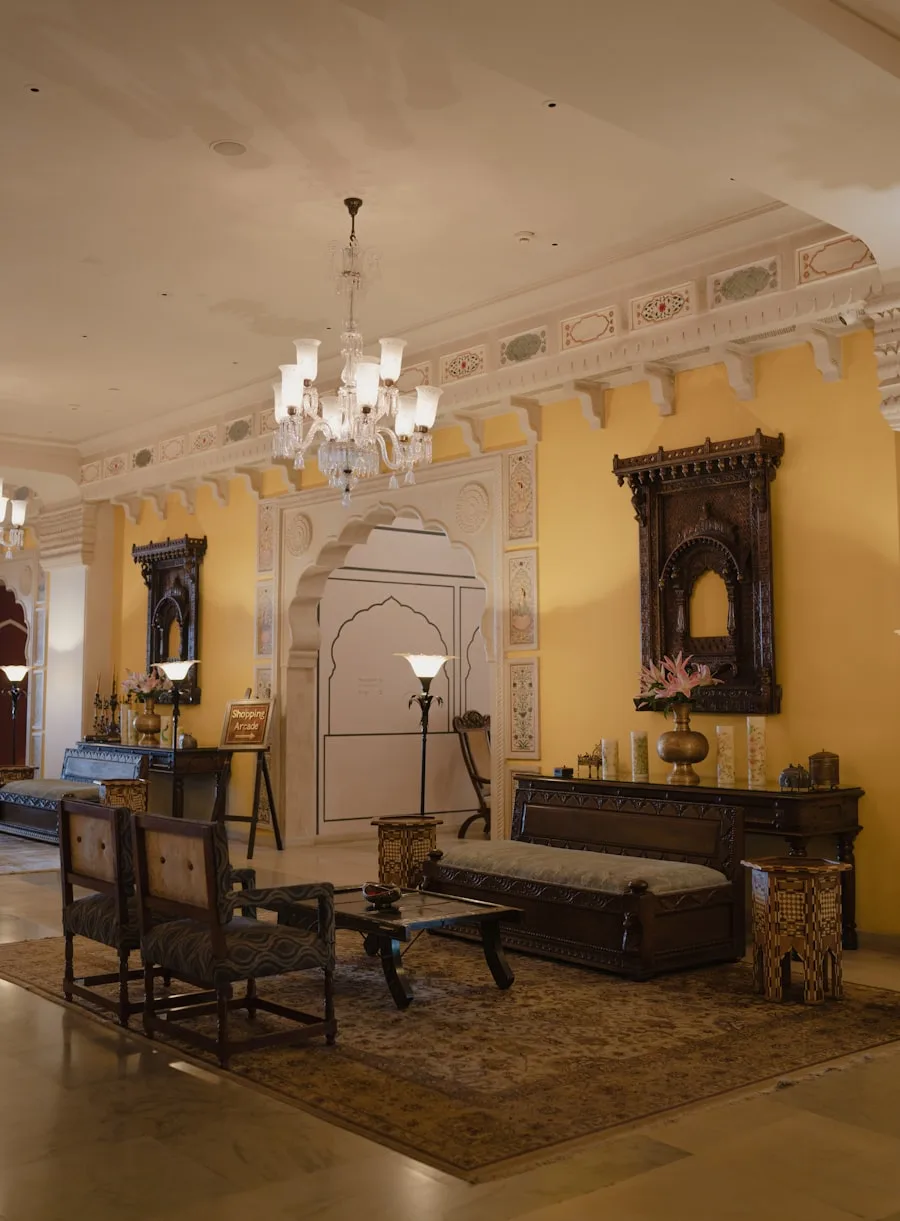
Guests don't think about lighting. They think about how a space made them feel. The lobby that felt instantly welcoming. The restaurant that shifted from bright and energetic at lunch to intimate by dinner. The room that seemed to know they wanted to wind down. Behind all of that is lighting control — and in a well-specified hotel, it's Casambi.
What follows isn't a general theory of hospitality lighting design. It's a practical list of the five scene configurations that come up on every hotel project we work on, along with the technical parameters that make each one work.
1. Lobby / Arrival
The arrival scene is the most important scene in the hotel. It sets the tone for the entire stay in the first ten seconds. Get it wrong and guests feel uncertain, unwelcome, or confused about which way to go. Get it right and the building does the hospitality work before a single staff member speaks.
A strong arrival scene typically has three layers: ambient (ceiling and cove lighting that establishes the overall brightness and warmth), accent (artwork, architectural features, the reception desk), and wayfinding (subtle path lighting that draws the eye toward reception and the lift lobby without being explicit about it).
Typical parameters: Ambient at 70–80% intensity, 2700–3000K. Accent fixtures at 90–100%, same CCT. Wayfinding at 40–50%. The goal is a warm, enveloping space that reads as bright enough to navigate confidently but not so bright it feels like a waiting room.
In Casambi, this is a single scene assigned to the lobby network, activated on a time schedule (typically from 6am to midnight) with a separate "night mode" scene at reduced intensity for the overnight period.
2. Restaurant — Breakfast vs. Dinner
The all-day dining restaurant is the scene control challenge that exposes the difference between a generic lighting system and a considered one. The same physical space needs to function as an efficient, well-lit breakfast room in the morning and an atmospheric dinner venue in the evening — ideally without anyone noticing the transition happening.
Breakfast scene: High ambient (80–90%), 3500–4000K. Clean, bright, energising. Guests are time-pressured, reading menus, eating quickly. Visibility matters more than atmosphere.
Dinner scene: Low ambient (30–40%), 2700K. Table accent lighting at 60–70% to create pools of warm light at seating. Architectural cove or feature lighting used to add depth. Bar backlit at 50–60% to draw focus toward the drinks offer.
In Casambi, these are two scenes on the restaurant network. The transition between them is not a switch — it's a 20–30 minute fade that starts around 5pm and completes by 6pm, so guests don't notice a moment of change. The F&B manager can override both scenes from a wall keypad without needing a phone or app.
3. Meeting & Conference Rooms
Meeting rooms are the most functionally demanding spaces in a hotel. They need to support a presentation at 9am, a working lunch at 1pm, and a cocktail reception at 7pm — often with 30 minutes of turnaround between each. A manual dimmer switch doesn't cut it.
The three scenes every meeting room needs:
- Presentation mode: Ambient at 20–30% to reduce screen glare. Whiteboard/screen wall at 0%. Table or perimeter lighting at 50% so participants can see their notes. 4000K for alertness.
- Working mode: Full ambient at 85–100%, 4000K. No zones suppressed. Maximum visibility for detail work and reading.
- Social / reception mode: Ambient at 40%, 2700K. Accent on any feature walls or bar setup areas at 80%. Creates warmth without the harshness of a working light level.
In Casambi, these are three named scenes accessed from a wall panel with three clearly labelled buttons. Events staff can set the room in under five seconds. No app required, no learning curve, no calling the AV team to sort out the lights.
4. Guest Room — Three Modes
The guest room is where lighting control is most personal and most noticed. Guests are alone, at their own pace, with their own preferences. A single "room on" switch is a failure of hospitality design.
Three scenes cover the majority of guest room use cases:
Welcome: Triggered when the room key is inserted (via a relay or room management system integration). Bedside and desk lamps at 60%, 2700K. Bathroom at 50%. A warm, calm arrival — not a sudden full-brightness blast.
Work / Desk: Desk lamp at 100%, 4000K. Bedside at 20% background level. Bathroom off. Clean, focused, functional.
Sleep: All lights at 5–10% except bedside, which stays at 15% on the guest's control side only. 2200K for maximum melatonin compatibility. A single button press from the bed activates this — no navigating to a switch in the dark.
In Casambi, the bedside keypad controls all three scenes directly. The "all off" button (always the last button on the panel) turns everything off when leaving. Optional: integrate with the room management system to restore the welcome scene when the next guest checks in.
5. Bar & Lounge — Evening Atmosphere
The bar is where a hotel makes its reputation with locals, not just hotel guests. A good bar scene creates energy without harshness, intimacy without gloom, and visual interest that makes the space feel curated rather than accidental.
The key elements: backlit bar display at 60–70% (the bottles are part of the scene), low ambient at 15–20%, feature or pendant lighting over bar seating at 40–50%, and accent on any artwork or architectural features at 70–80%.
Time-based automation: The bar scene should shift gradually through the evening. 6pm: bright and inviting as dinner guests arrive. 8pm: reduced ambient, accent emphasis, the shift toward late-evening mode. 10pm: minimum ambient, maximum accent — full cocktail-hour atmosphere. All of this happens on a schedule with no staff intervention required.
In Casambi, the bar manager has a four-button panel: Afternoon, Evening, Late, and Closed (off). The time-based schedule runs automatically, but can be overridden immediately for private events, early closes, or when the room is reading differently than expected on a given night.
Implementing all five in Casambi
The practical advantage of Casambi for a hotel is that all five areas — lobby, restaurant, meeting rooms, guest rooms, and bar — live on the same Bluetooth mesh network and can be managed from a single interface. The general manager can see the whole property's lighting state from an iPad. Individual areas can be controlled independently. Scenes can be updated remotely without a site visit.
More importantly: the scenes can be adjusted after commissioning. In every hotel project we've worked on, the lighting design needs fine-tuning after the first few weeks of operation. A guest room that reads slightly too dark. A restaurant that feels too warm for lunch. A lobby that needs a higher minimum overnight. With Casambi, these adjustments are made in the app in minutes, not by calling a lighting technician.
If you're specifying lighting control for a new hotel or refurbishment and want to work through the scene structure for your specific layout, get in touch. We can review your floor plans and suggest the Casambi device configuration that makes these five scenes — and the ones specific to your property — work as they should.